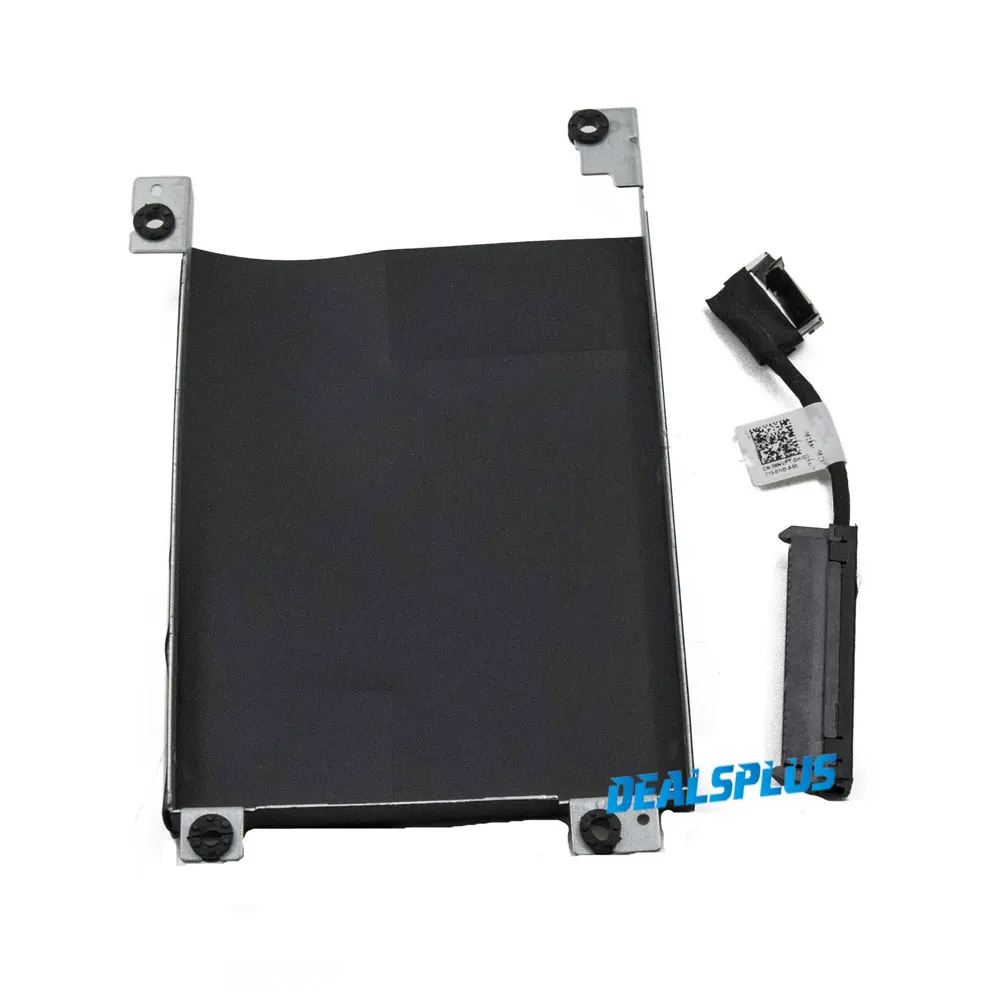
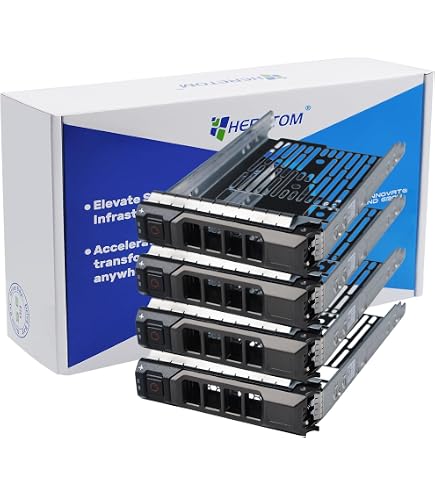
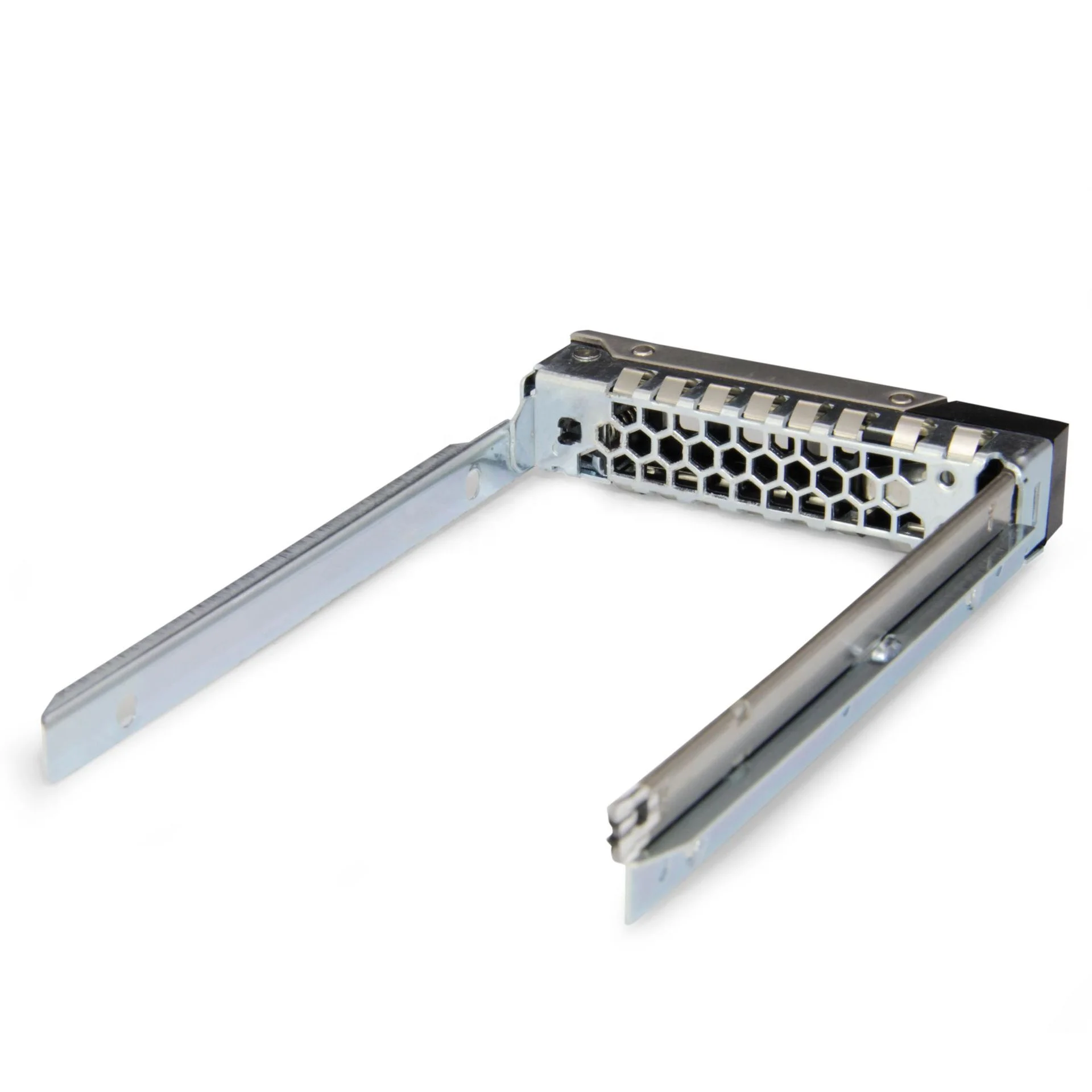
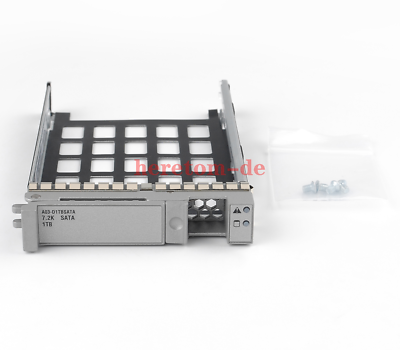
Supermicro 3.5 To 2.5 Converter Tool-less Drive Tray – MCP-220-00080-0B, New

- Supermicro 3.5 To 2.5 Converter Tool-less Drive Tray – MCP-220-00080-0B, New Printer Output Tray
More delivery methods in checkout
Free & Easy Returns In Store
Return this item within 7 days of purchase.
Get an immediate answer with AI
AI-generated from the text of manufacturer documentation. To verify or get additional information, please contact customer service.
Product Details
About This Product
Alright, so you're setting up a server or maybe just upgrading your storage, and you need a way to fit a 2.5-inch drive into a 3.5-inch bay?

This Supermicro drive tray is exactly what you're looking for.
It's a new, unused item, still in its original packaging.

The part number is MCP-220-00080-0B, so it's the real deal.
It's a tool-less design, which means you don't need any screws or tools to install your 2.5-inch drive.
Just pop it in, slide the tray into the bay, and you're good to go.

It's a caddy type, so it holds the drive securely.
The brand is unbranded, but it's specifically made for Supermicro systems, so compatibility is spot on.

This converter is perfect if you're using SSDs or smaller hard drives in a server that originally took larger drives.
It maximizes your storage options and makes upgrades a breeze.
Since it's tool-less, it's great for quick swaps and maintenance.
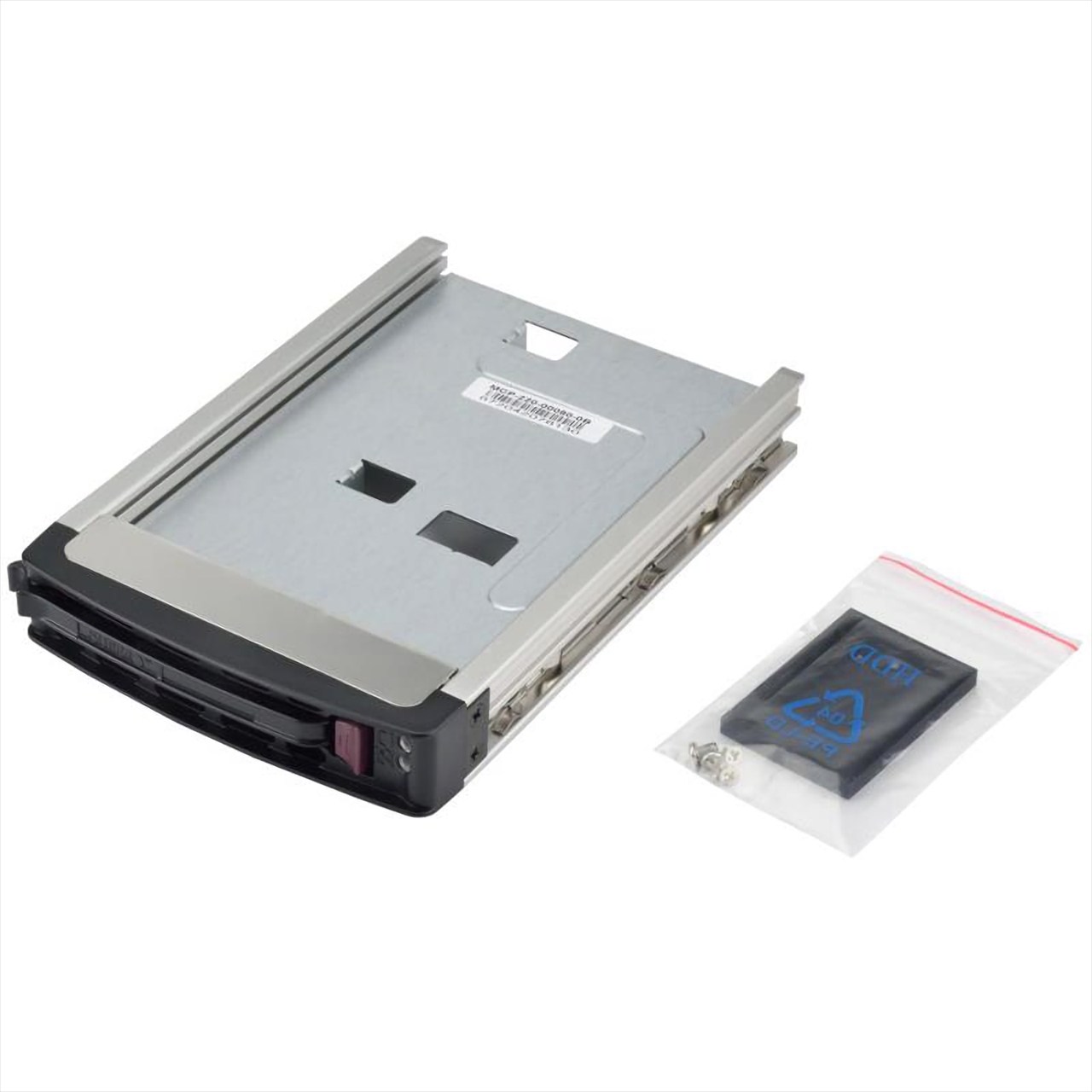
The tray is designed to fit perfectly in Supermicro chassis, ensuring proper alignment and airflow.
It's a new item, so you're getting it fresh, with no wear and tear.
The packaging might be a plain box or bag, but the product itself is in perfect condition.
This is a must-have for any IT pro or home lab enthusiast using Supermicro gear.
It simplifies drive installation and helps keep your system organized.

So, if you're looking to convert those 3.5 bays to accept 2.5 drives, grab this MCP-220-00080-0B tray.

It's a small component that makes a huge difference in flexibility.
Plus, it's tool-less, so you can swap drives in seconds without fumbling with screws.

It's efficient, practical, and exactly what you need for your Supermicro server.
Don't mess with adapters that don't fit right; get the official tray and do it right.
Order now and streamline your storage setup.

Your server will run smoother, and you'll have more options for drive configurations.
It's a win-win.
Product Information
Customer Reviews
4.5 out of 5